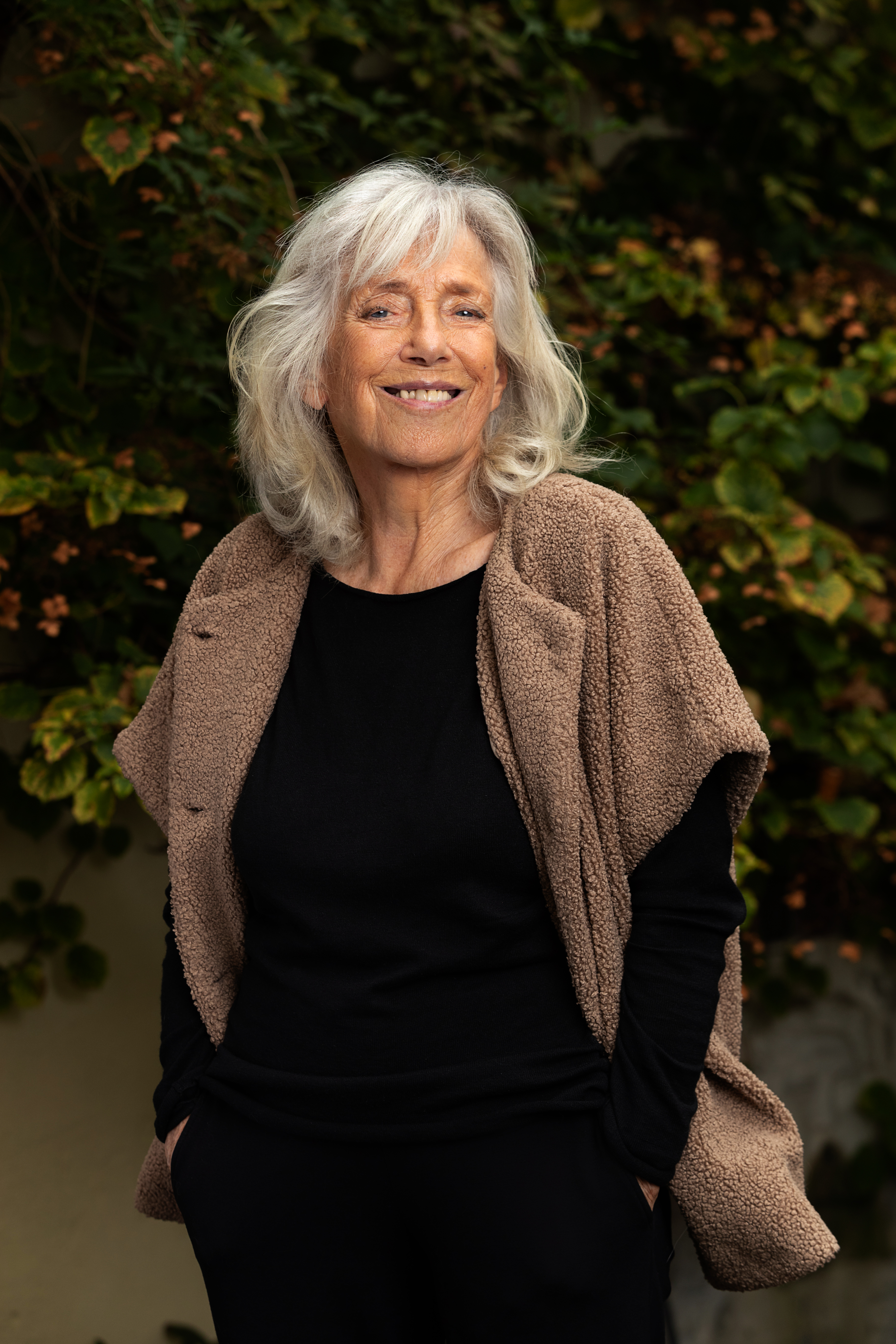
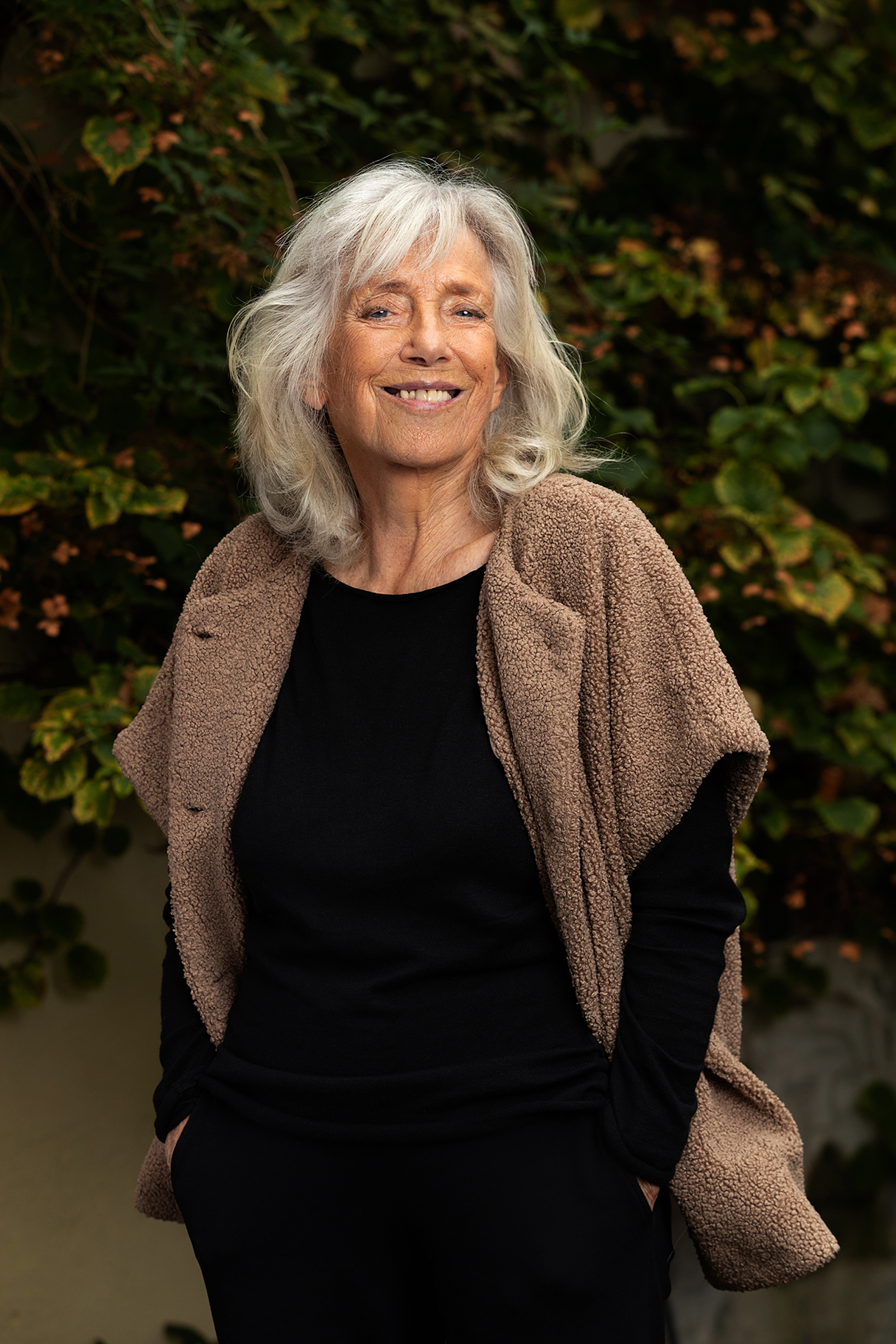
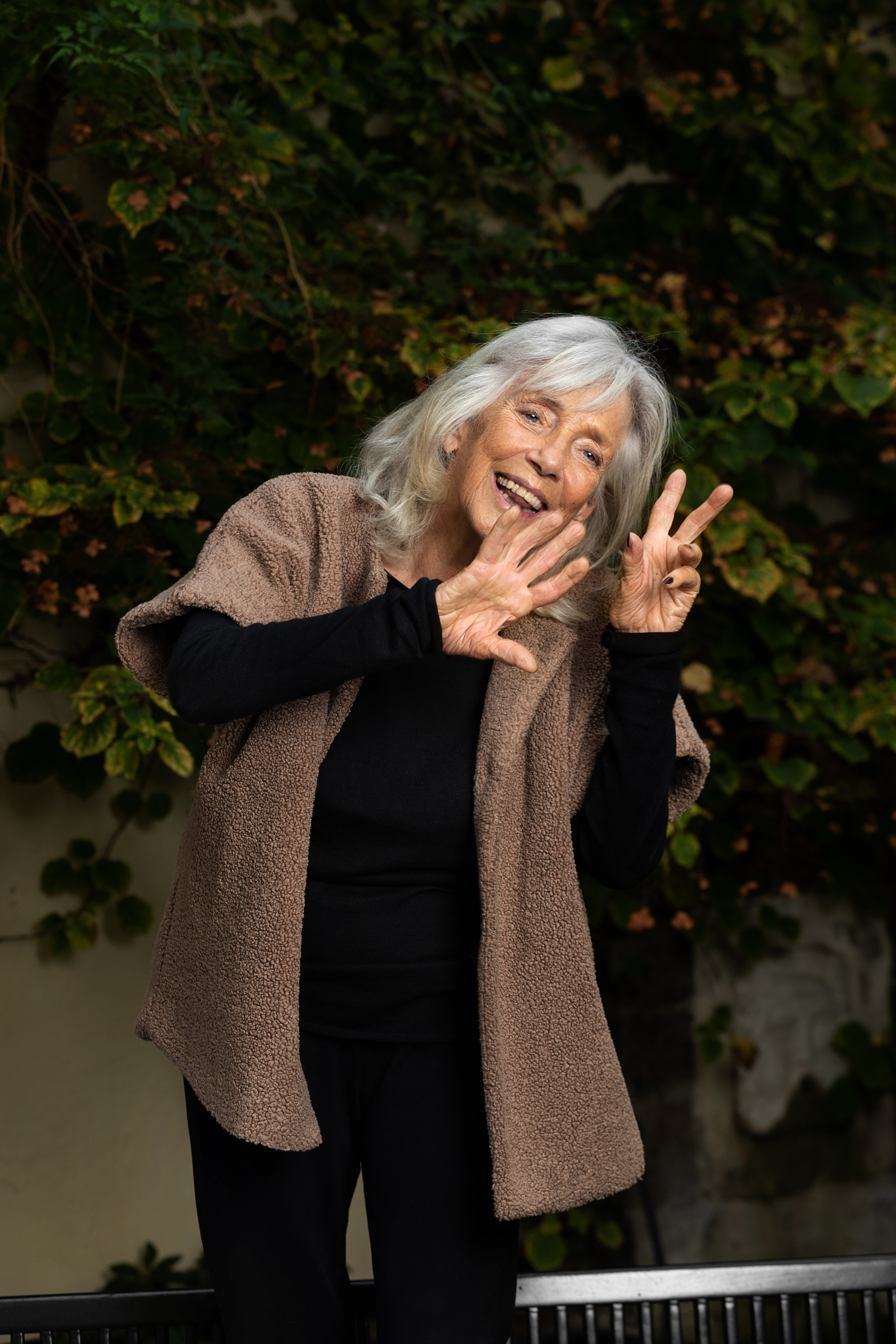
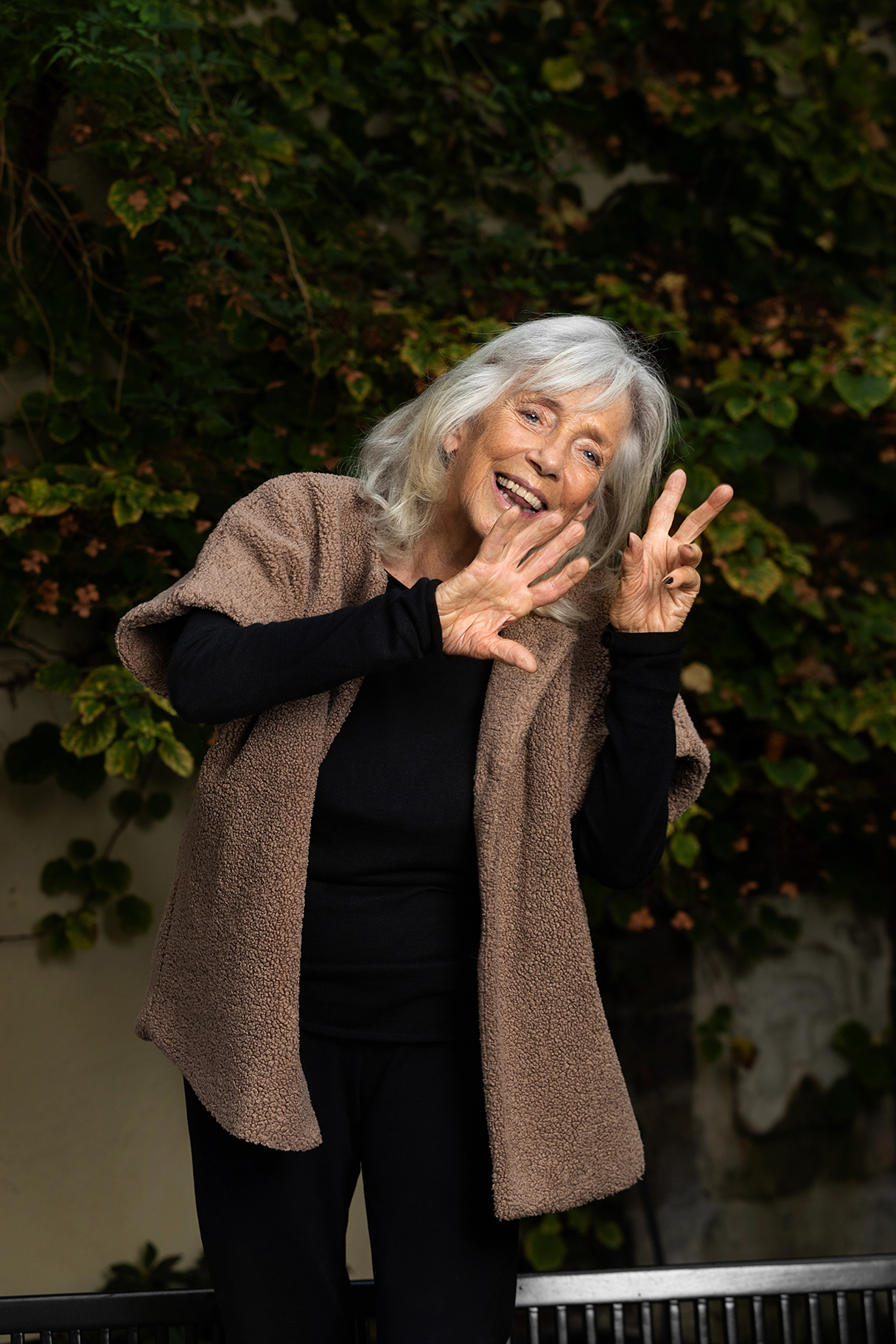
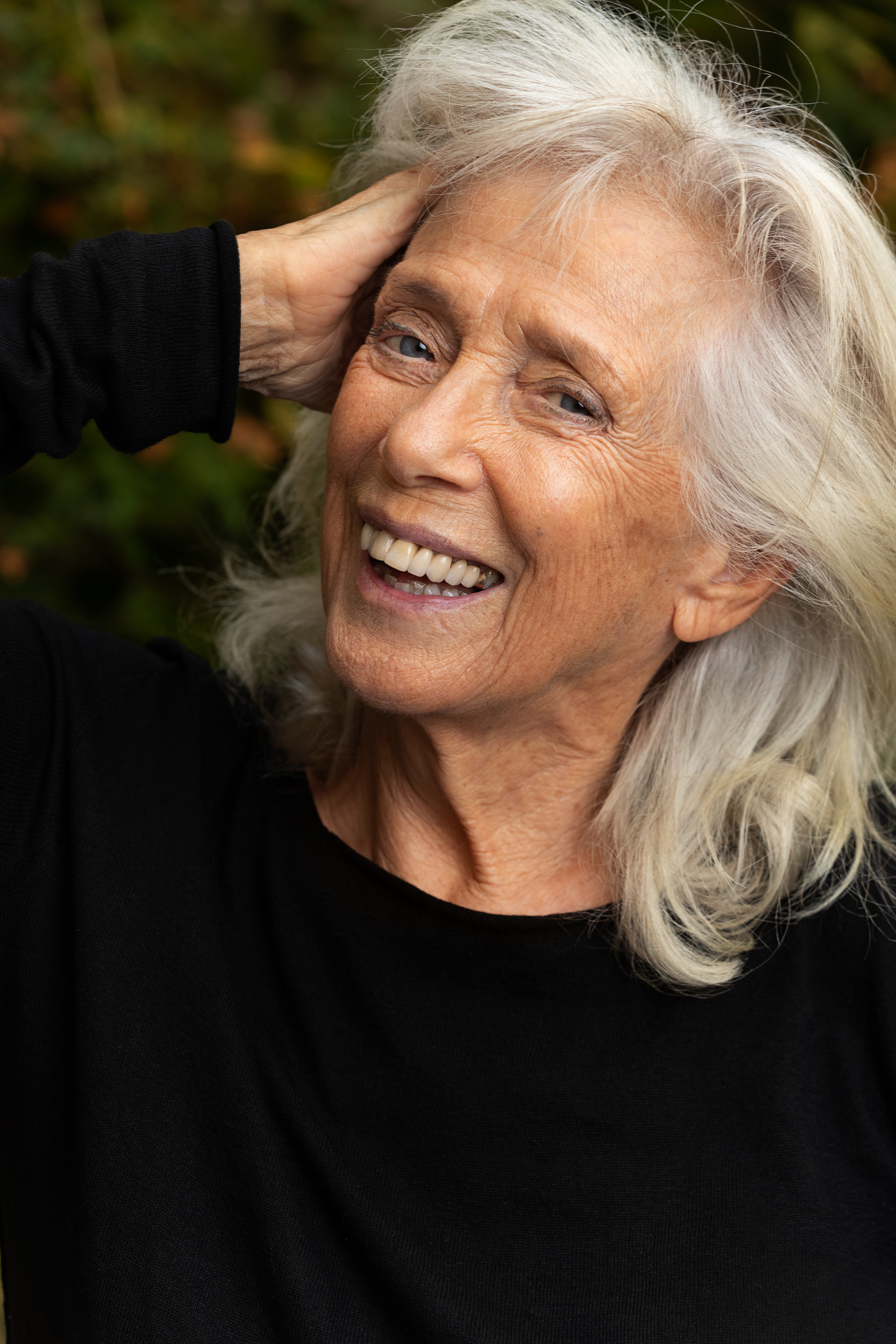
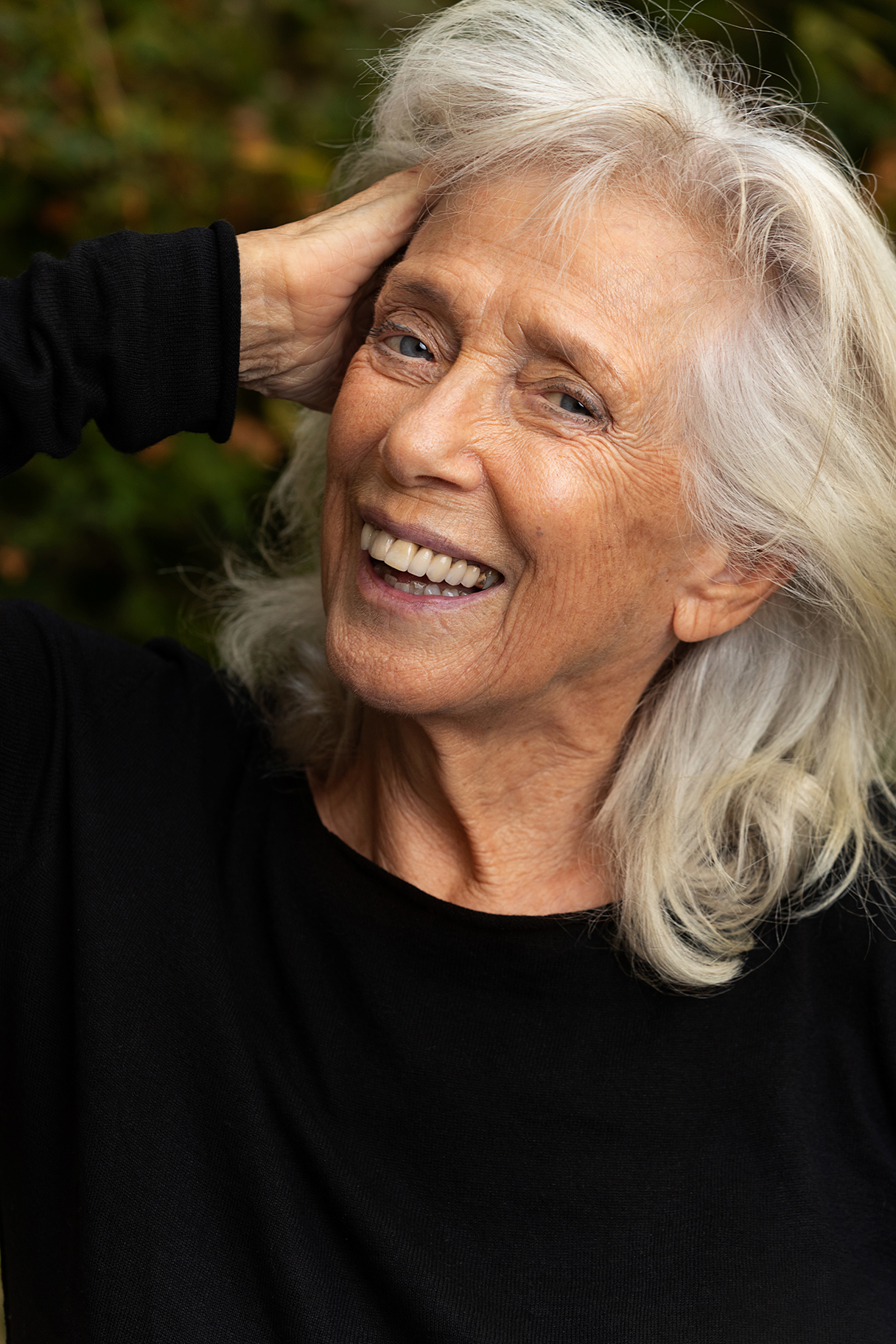
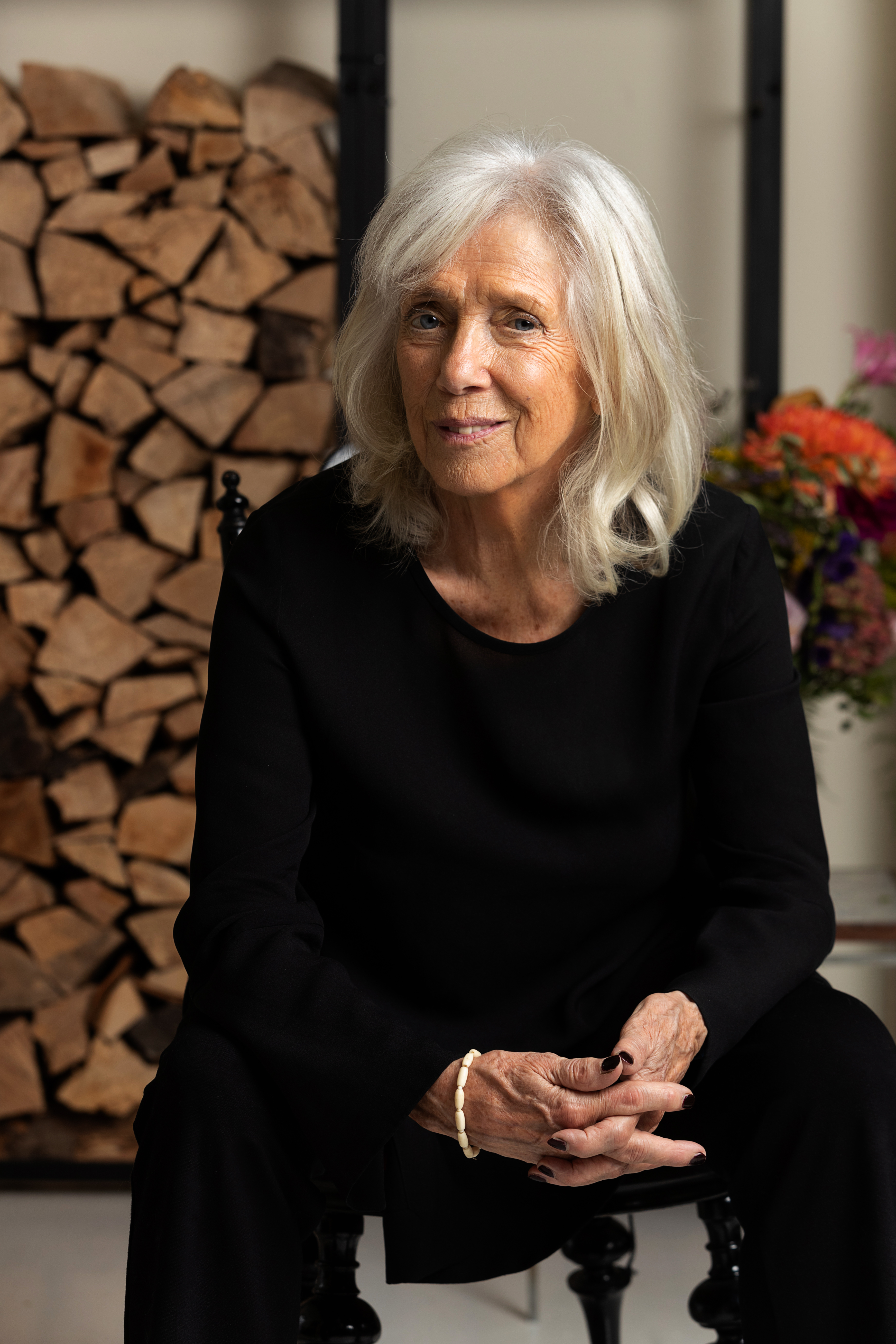
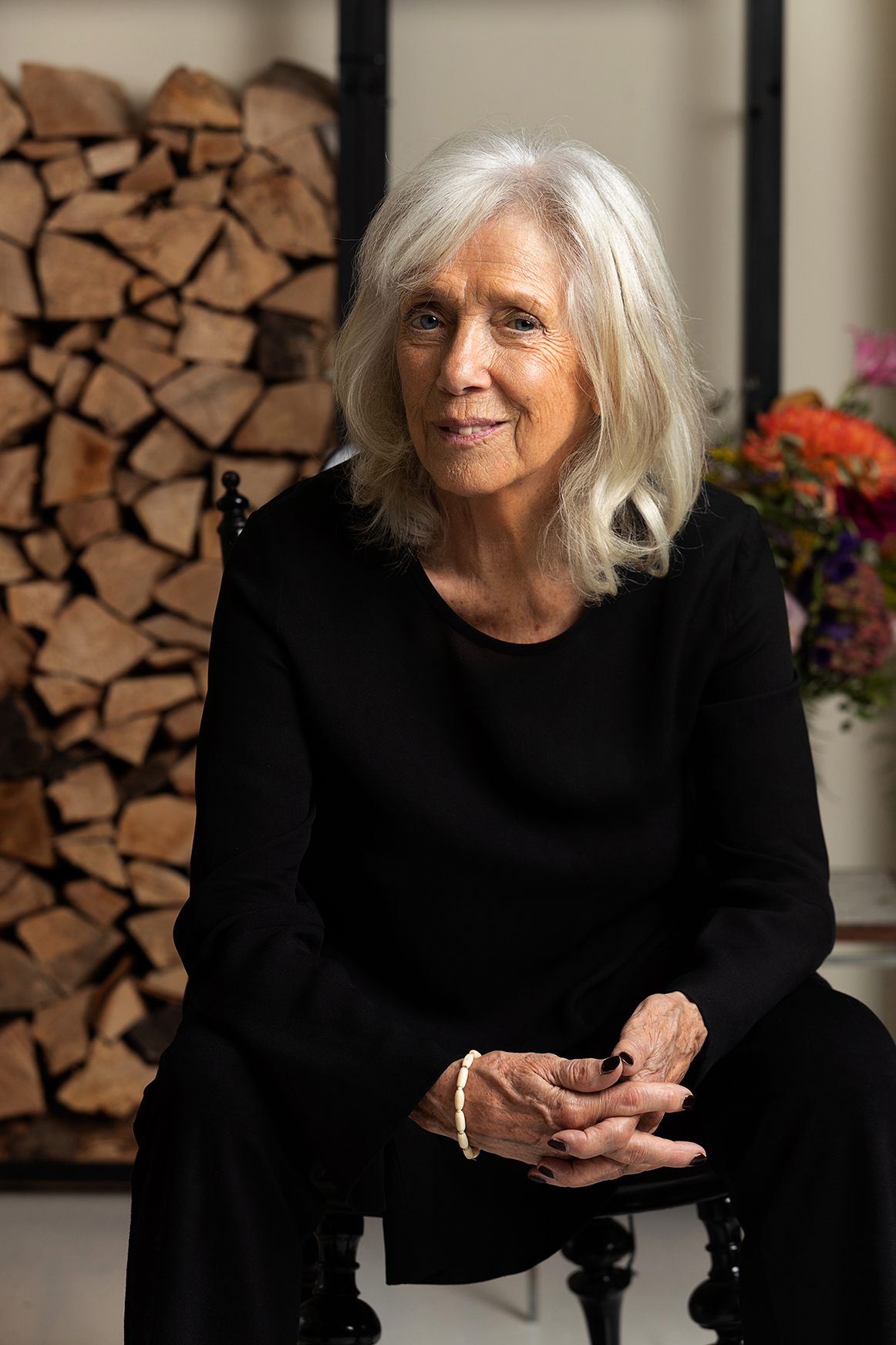
PressematerialeVigga Bro
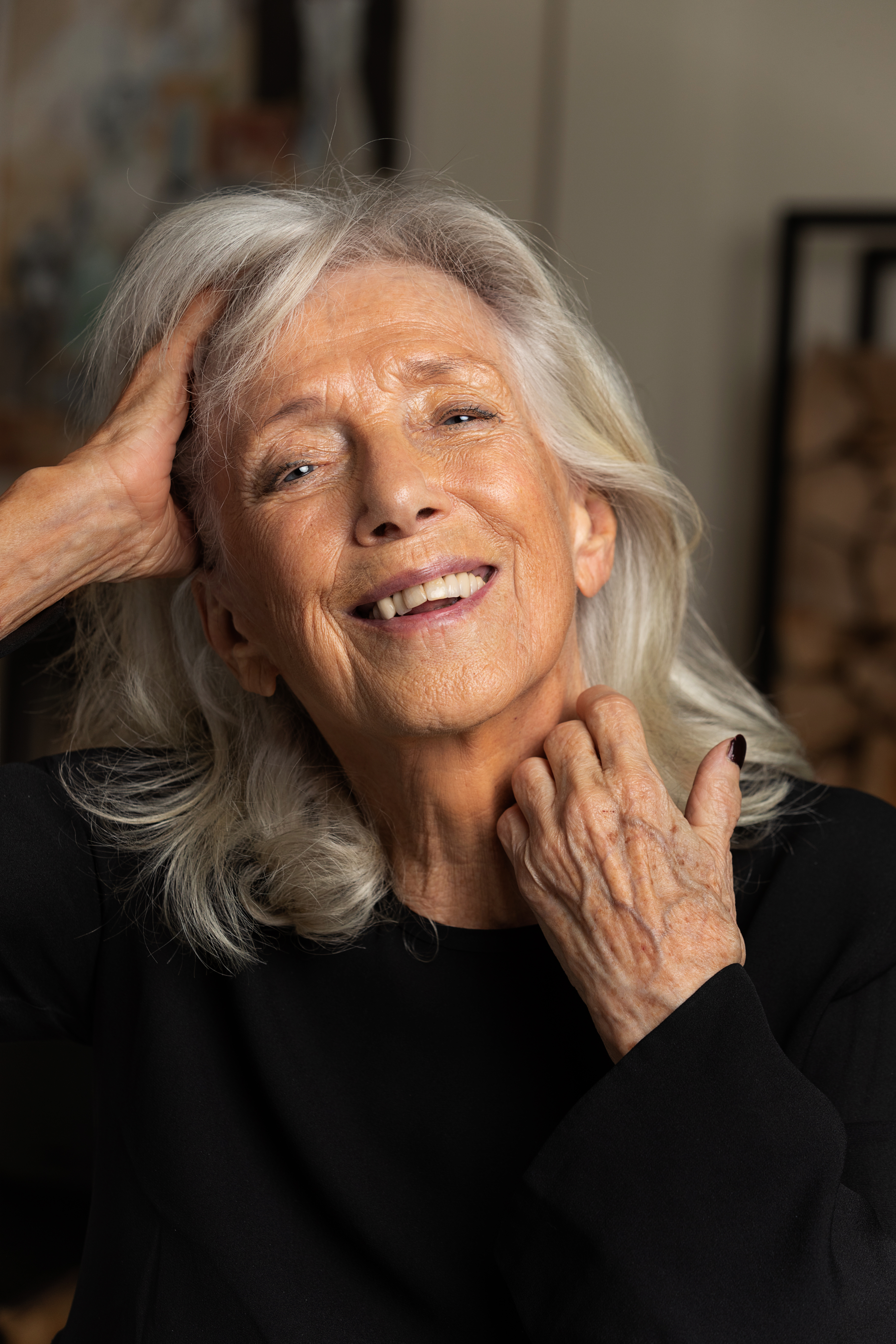
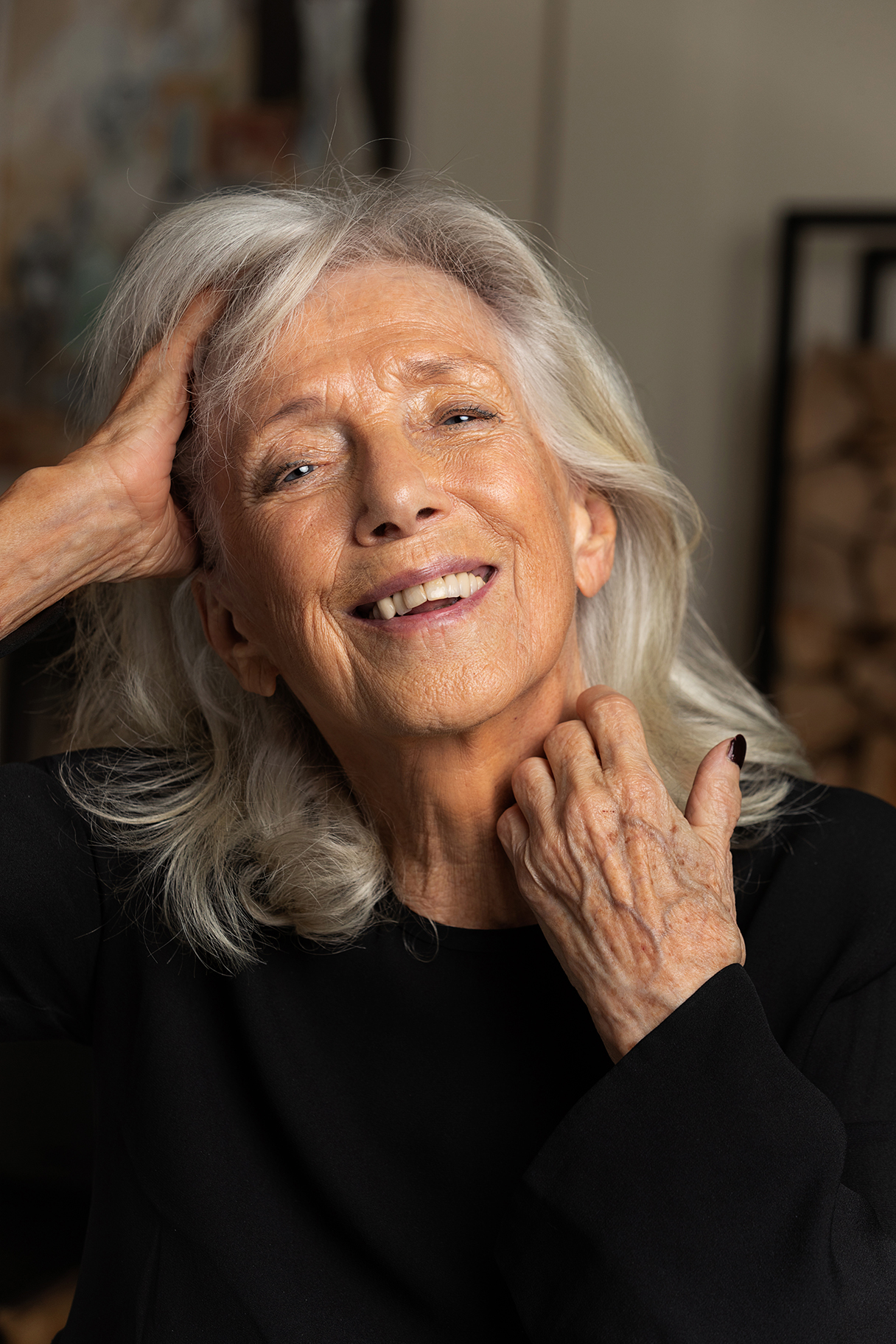
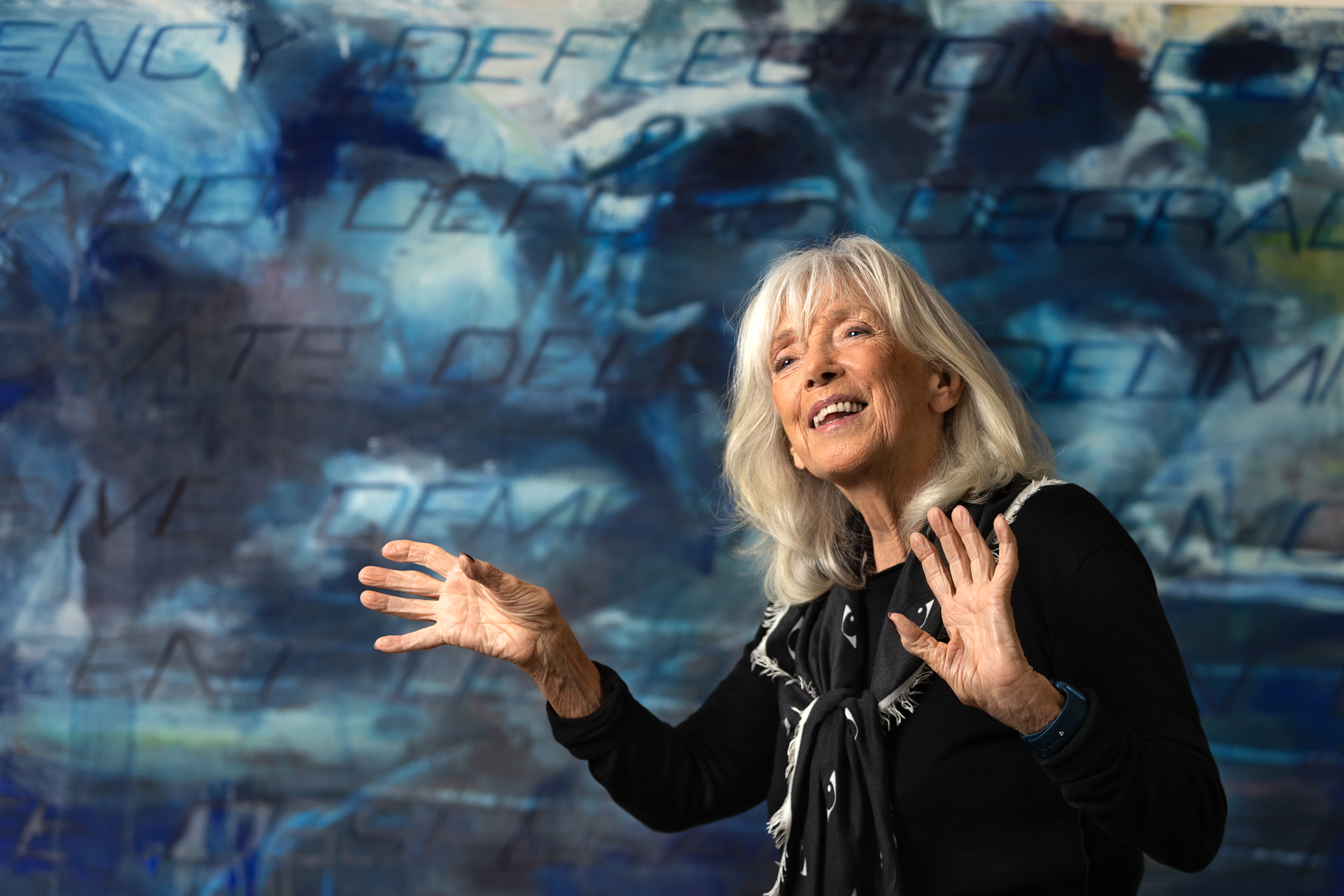
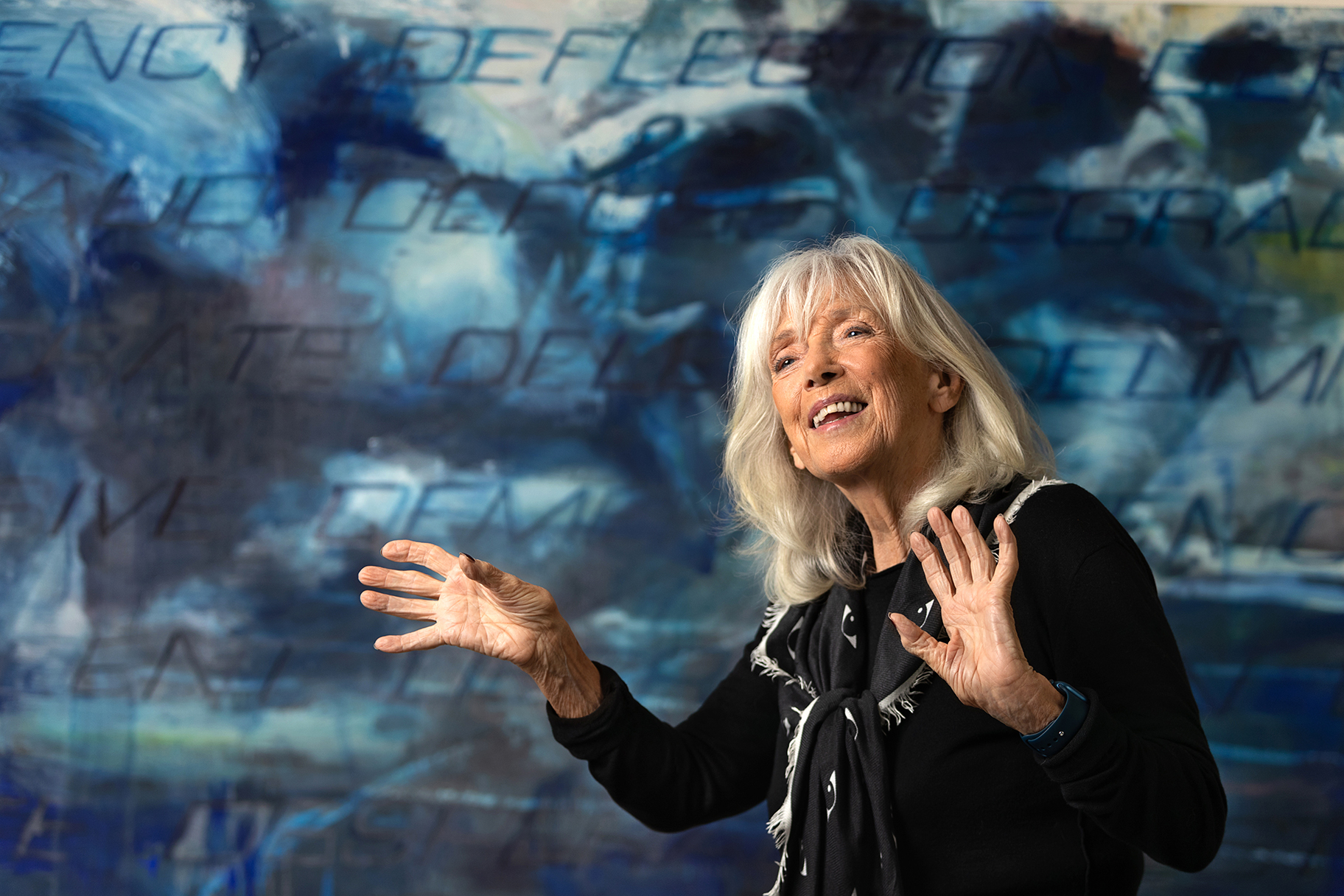
Pressebilleder

Pressebilleder kan hentes på følgende måde:

PC:
Placer musen over det ønskede billede til venstre.
Tryk på højre musetast.
Vælg "Gem destinationen som"(på engelsk "Save Target as") og vælg hvor på din maskine du vil gemme billedet.

Macintosh:
Placer musen over det ønskede billede til venstre.
Hold CTRL-tasten nede mens du trykker på musetasten og vælg "Download link to disk" og vælg hvor på din maskine du vil gemme billedet.

Ønsker du at se billede i fuld størrelse kan du blot klikke på det.


Photos can be downloaded by:

PC:
Place your mouse over a photo in the left column.
Click your right mouse button.
Choose "Save Target as" and choose where you want to save the image.

Macintosh:
Place your mouse over a photo in the left column.
Hold down the CTRL-key while clicking your mouse button.
Choose "Download link to disk" and choose where you want to save the image.

If you wish to view the image in full size, just click on the photo in the left column.

Vigga&Erik_4.jpg

Vigga&Erik_1.jpg

Vigga&Erik_2.jpg

Vigga&Erik_3.jpg

Vigga&Erik_5.jpg

Vigga&Erik_6.jpg

Vigga&Erik_7.jpg

Vigga&Erik_8_CMYK.jpg

Vigga&Erik_8_RGB.jpg

Vigga&Erik_9_CMYK.jpg

Vigga&Erik_9_RGB.jpg

ViggaBro_1.jpg

ViggaBro_2.jpg

ViggaBro_3_CMYK.jpg

ViggaBro_3_RGB.jpg

ViggaBro_4_CMYK.jpg

ViggaBro_4_RGB.jpg

ErikMoseholm_1.jpg

ErikMoseholm_2.jpg

ErikMoseholm_3.jpg